How to add or remove owners to your gem using the web UI?
Similar to `gem owner --add` and `gem owner --remove` commands of the gem CLI,
you can add or remove the owners of the gem you own using the web UI.
Ownership section of your gem
-----------------------------
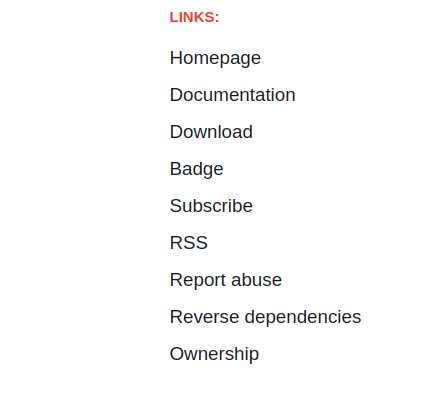
If you are an owner of a gem,
a link to *Ownership* will be visible in the Links section, as shown in the image below.
{:class="t-img t-img--small"}
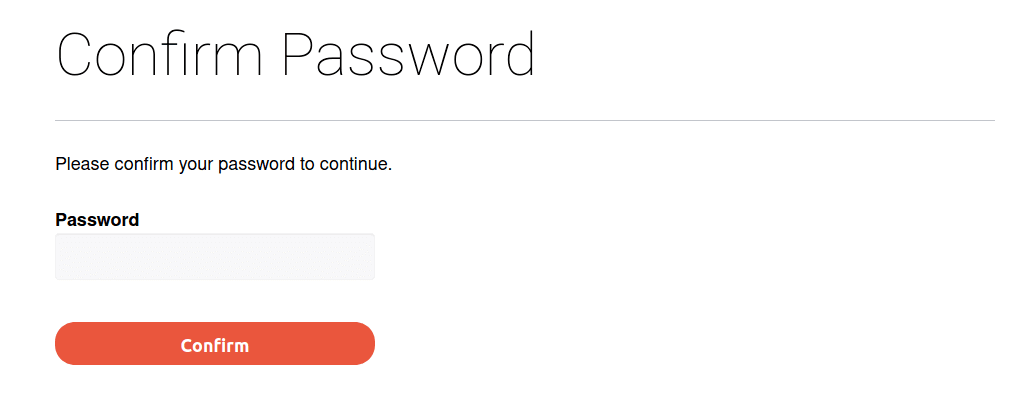
You will be asked to enter your account's password when you visit this page. You won't be prompted for the password confirmation for the next 10 minutes. It is a precautionary measure to ensure that no one abuses your unattended logged in session.
{:class="t-img"}
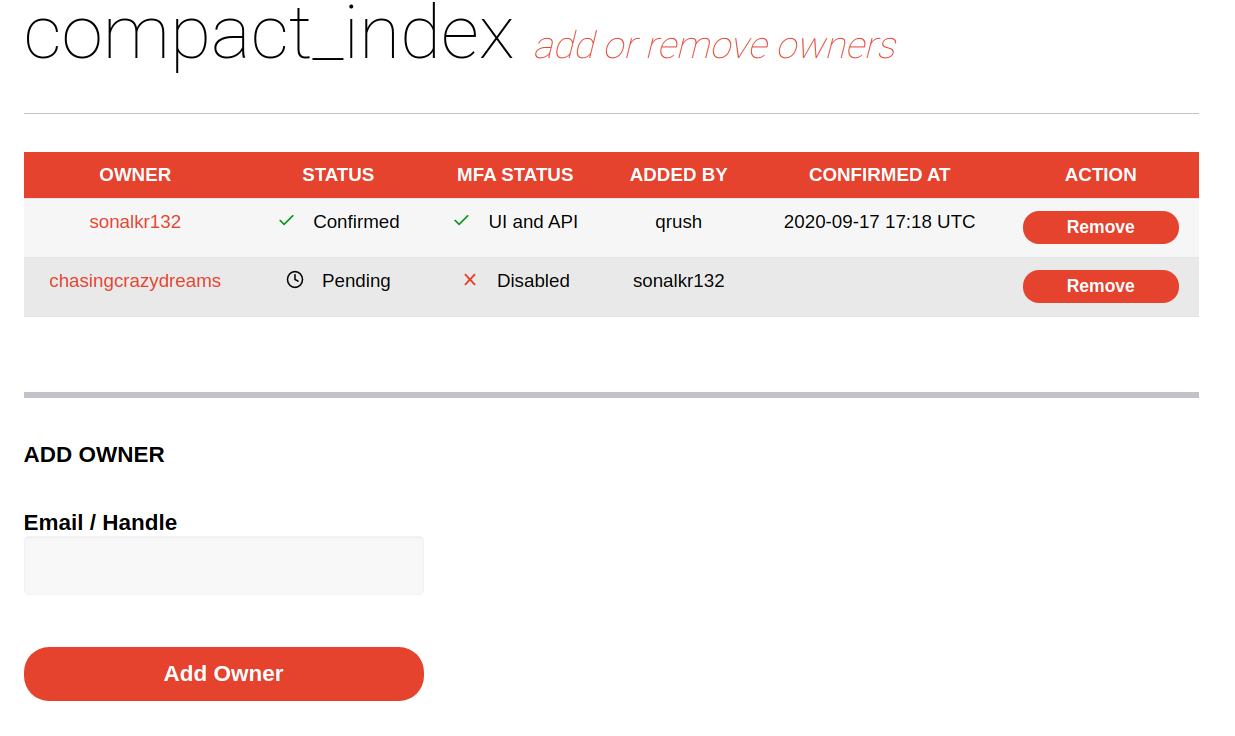
You will be able to see the confirmation status, MFA level and the user who authorized the owner's addition. Confirmed owners will have the time they confirmed their ownership. *ADDED BY* column may be empty for owners who were added before we started tracking authorizers.
{:class="t-img"}
Adding user as an owner to your gem
--------------------------------
Step: 1
Enter the email or handle of the user in the text field labels *Email/Handle*
Select the role that best suits the user, see [Owner & Maintainer Roles](#owner--maintainer-roles) for more details.
Finally, click *Add Owner*.
Step: 2
The user added as an owner will be sent an email with a link to confirm the ownership.
The ownership will be confirmed after the user clicks on the confirmation link within `48 hours`.
On confirmation, all the existing owners will be notified about the owner addition.
`Note that` the user won't have access to the gem until they confirm the ownership addition.
Owner & Maintainer Roles
------------------------
When managing owners, you have the option to select a role, either Owner or Maintainer. Owners have full control over the gem, including the ability to add or remove owners. Maintainers, have the ability to publish and yank gem versions, but cannot manage users, or configure gem security settings.
Owners & Maintainers have access to the following permissions:
| Permission | Owner | Maintainer |
|:--------------------------------------:|:-----:|:----------:|
| Can publish new gem versions | ✅ | ✅ |
| Can yank gem versions | ✅ | ✅ |
| Can add or remove owners | ✅ | ❌ |
| Configure OIDC and Trusted Publishing | ✅ | ❌ |
Updating an owner role
----------------------
To update the role of an owner, visit `https://rubygems.org/gems//owners` and click on the *Edit* button of the
corresponding user. You can select the role of the user edit page and click on *Update Owner*.
Resend ownership confirmation link
----------------------------------
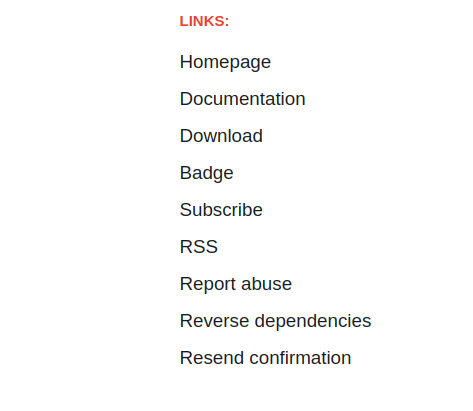
In case you weren't able to confirm the ownership within 48 hours,
you can resend the confirmation link by visiting the gem page.
`https://rubygems.org/gems/`
{:class="t-img t-img--small"}
Clicking on *Resend Confirmation* will send an email with the confirmation link
to your email address.
Removing owner from your gem
----------------------------
To remove an owner from your gem, visit `https://rubygems.org/gems//owners`
and click on the *Remove Owner* button of the corresponding user.
A notification email will be sent to the removed user.